Remake Video for Product Ads
Turn product photos or reference videos into polished, on-brand ads with new scenes and styles.
AI VIDEO REMAKER
Upload a reference video or image, or start with a simple idea. Tell RemakeVideo what to keep, change, or reimagine, and refine each new version through conversation.
Powered by leading AI video models
WHAT YOU CAN REMAKE
Start with an idea, image, or existing clip. Use references to guide the look, motion, framing, or mood, then create a new version built for your own content.
Turn product photos or reference videos into polished, on-brand ads with new scenes and styles.
Generate natural, authentic UGC-style videos using your ideas, images, or reference clips.
Create scroll-stopping videos for TikTok, Instagram, YouTube, and more from any idea or reference.
Bring photos, product shots, or designs to life with natural motion and realistic visuals.
Reimagine your footage or images with cinematic looks, lighting, and motion.
Upload a video and create new versions with different styles, angles, or edits.
HOW IT WORKS
Start with what you want to create, add a reference when it helps, and refine the result through chat. No timeline, node graph, or complicated video workflow required.
Use this video, make it more cinematic, add a sunset background…
Tell RemakeVideo what to keep, change, or reimagine.
Add referenceUpload a reference video or image when it helps.
Pick the model that fits the shot — you can switch it any time.
Make it more cinematic and warmer.
Updating your video…
Keep refining with simple messages until it looks just right.
WHY REMAKEVIDEO?
RemakeVideo brings reference understanding, prompting, model selection, generation, and revisions into one continuous creative workflow.
Describe what you want in everyday language. Our AI video agent understands your intent and turns it into a refined video.
Use this video, make it more cinematic, add a sunset background…
Upload a photo and turn it into a dynamic, realistic video. Animate people, products, or any scene with smooth, natural motion.
 →
→Switch between the video models RemakeVideo supports, without leaving the conversation.
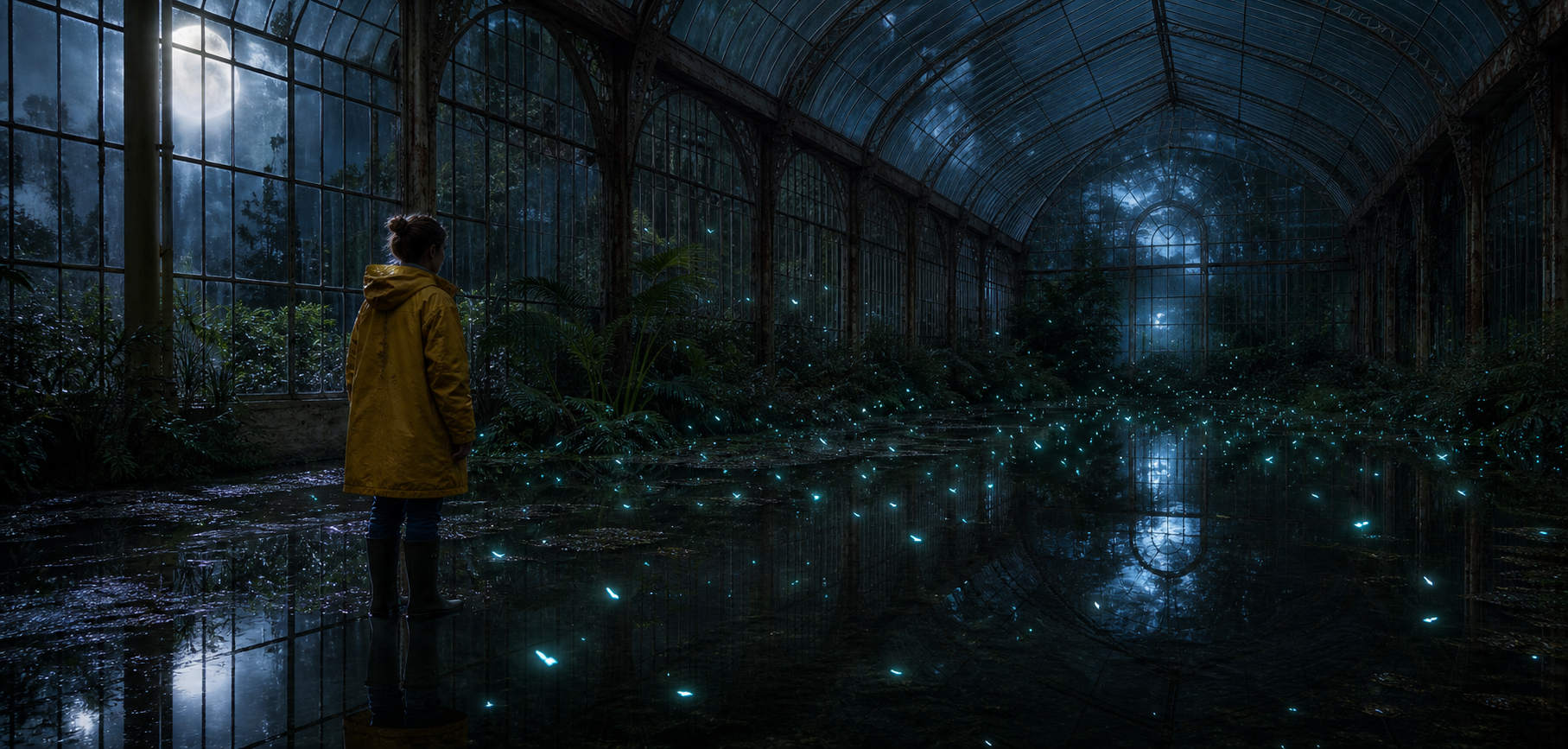
All your generations, variations, and edits are saved automatically. Compare, revisit, and continue refining anytime.
 Version 3Just nowVersion 22 hours ago
 Version 1Yesterday
AI VIDEO MODELS
One workflow, more than one video model. Pick the one you want and switch it any time.
MADE WITH REMAKEVIDEO
See what creators can make from prompts, images, and reference videos. Open an example to inspect the idea behind it, then use it as inspiration for your own version.
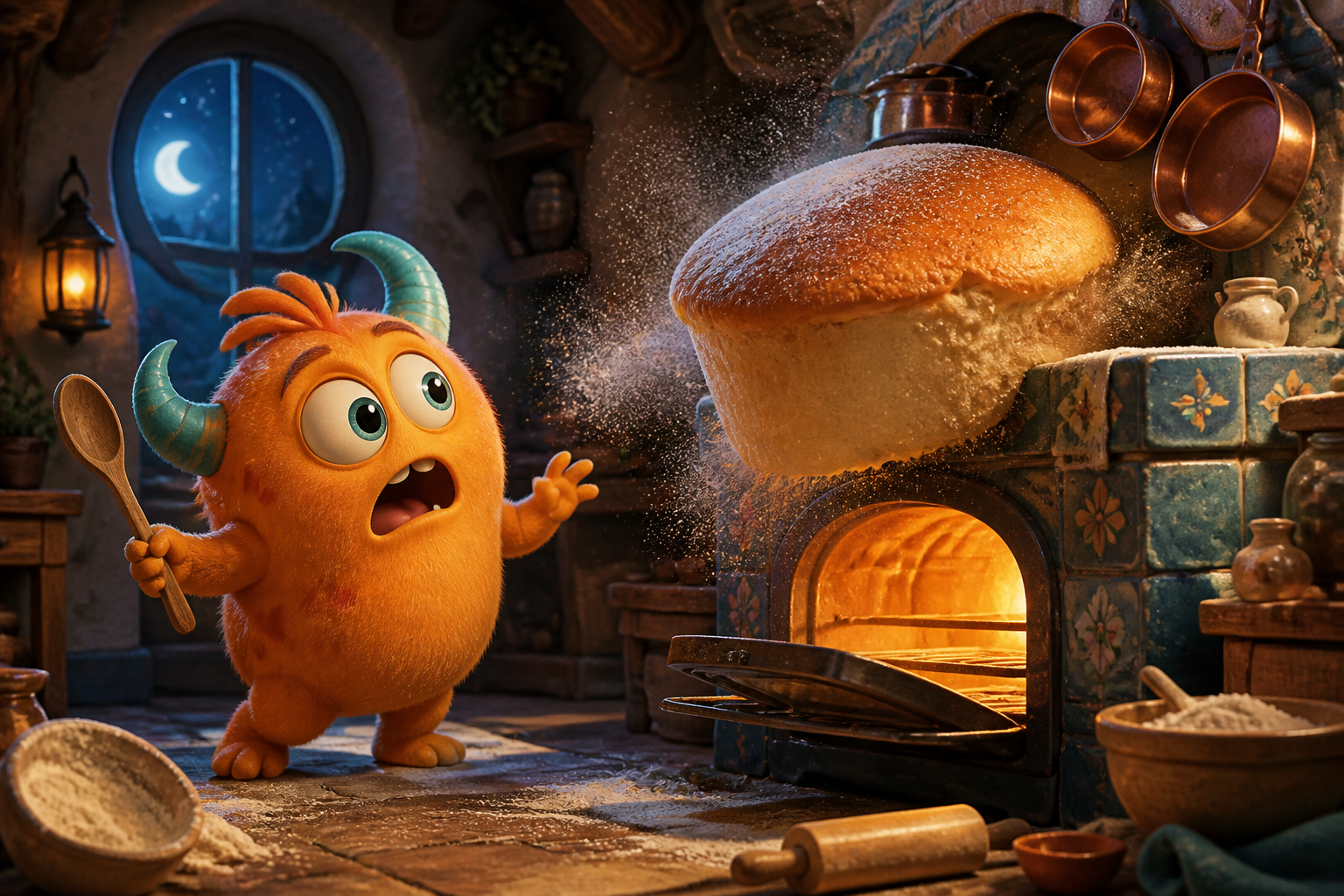
Start RemakingThe enormous cake suddenly rises another foot and releases a soft burst of flour. The little orange monster stumbles backward, catches the wooden spoon, blinks twice in comic disbelief, then breaks into a delighted grin. Flour curls through the warm oven light and copper pans wobble gently. Preserve the original monster design, exactly two teal horns, bakery layout and theatrical family-animation style. Smooth expressive character motion, playful timing, no new characters, no text, no logos.
Epic IMAX-style aerial chase at bright golden hour. An entirely original crimson-masked web acrobat launches from the glass crown of a skyscraper, fires a silver cable-web and swings in one powerful arc through a sunlit canyon of towers above busy traffic. The camera dives behind the hero, passes close to reflective windows, then pulls wide to reveal the glowing city skyline. Athletic motion, believable gravity, dramatic parallax, premium superhero feature-film cinematography, original suit design with no recognizable emblem, no text, no logos.
Bright cinematic stop-motion macro shot of a colorful pop-up book opening by itself on a sunlit children’s art-studio table. A tiny scarlet paper dragon unfolds from the center crease, stretches its accordion wings, then leaps into the air and circles once above the book as cheerful paper trees bend in its wake. Colorful paper scraps spiral through warm midday sunbeams. Handmade paper fibers, practical stop-motion imperfections, playful monster energy, clean pastel background, precise readable motion, no text, no logos, no human hands.
Epic IMAX-style wide shot at a brilliant alpine sunrise. A colossal ancient stone titan slowly rises from beneath a blue glacier as sheets of ice break away and a controlled avalanche rolls into the valley. Two tiny rescue helicopters sweep past the camera to reveal the immense scale while the titan turns toward the first sunlight. Photorealistic feature-film visual effects, majestic rather than frightening, crisp bright atmosphere, natural rock and snow physics, no text, no logos.
GoPro footage of someone airgliding through the mountains, shaky camera footage.
Millions of red poppy flowers slowly grow from a grassy desert landscape under clear skies.
Start with a reference clip, image, or simple idea. Tell RemakeVideo what you want to recreate or change, then refine the result until it feels right.